Free Online Racing Games
Racing games are not all about holding the accelerator. Some reward a clean line through corners; others test traffic awareness, drifting or careful parking. Look at a game's controls and objective before starting, because a straight sprint and a precision driving challenge ask for very different decisions.
Use the game cards below to browse this collection. On each game page, you can open the browser player and read instructions for that particular title. You can also explore other game categories.

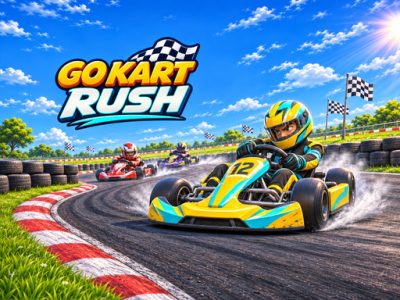
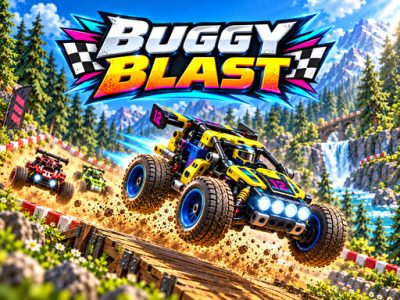
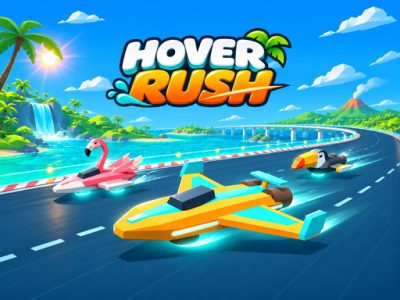
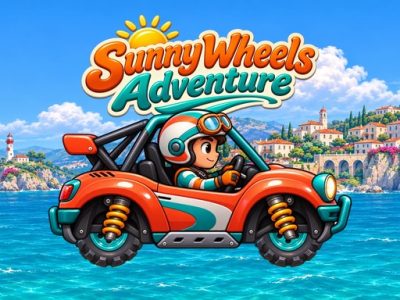
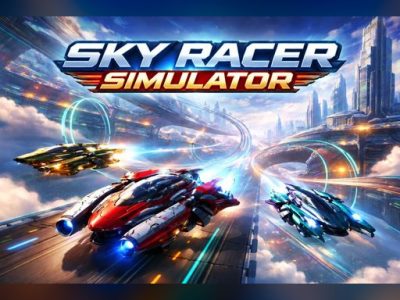
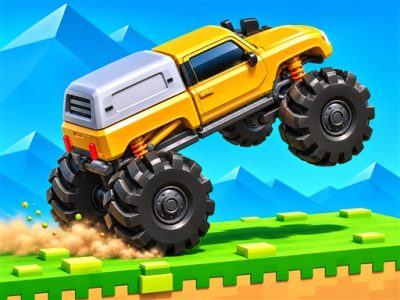
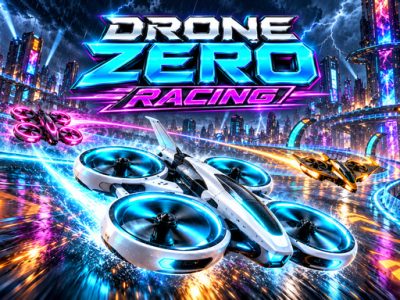
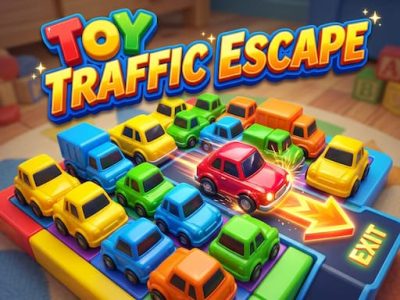
Getting started with Racing games
Different games within the same category can have different objectives, controls and difficulty. These practical checks can help you choose and learn a title:
- Use the first safe section to test steering and braking. If the vehicle oversteers, try smaller corrections rather than repeated sharp turns.
- Look ahead for obstacles and the space beyond them. A risky shortcut is rarely useful if it leaves no room to recover.
- After a failed attempt, change one thing at a time: braking point, lane choice or entry speed. The guide on each game page explains its own controls.
Do I need a keyboard to play racing games?
That depends on the title. Some use arrow keys or WASD, while others provide touch controls. Check the individual game page and on-screen prompts before assuming that a particular input is supported.
When a game does not load
Try refreshing its page and check that your browser is up to date. Some browser games are provided by external players and may behave differently on mobile devices. If the game still will not start, use our contact form to report the game's name, your device and what happened. Do not include passwords or other sensitive information.